WebRTC Video Widget
Widget Type: rc-webrtc-video
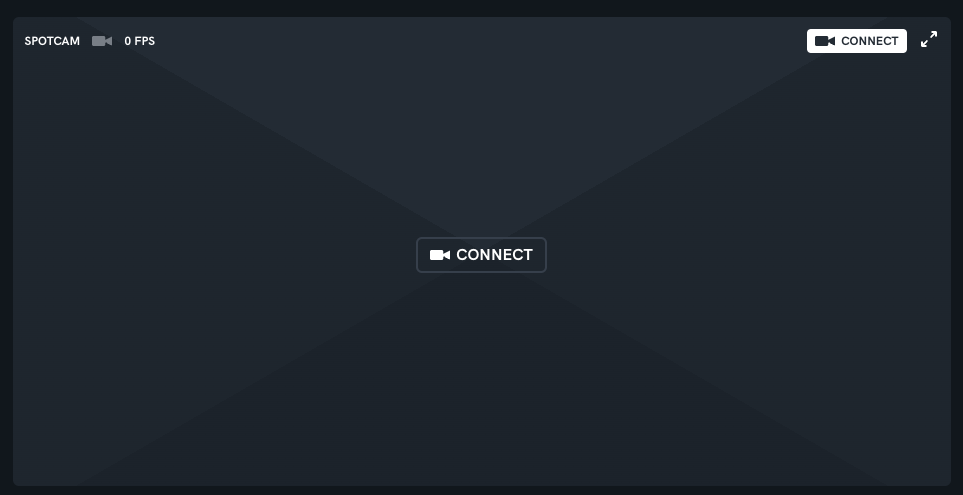
Configuration
Subscribes to an RTP topic and converts the RTP stream to a video stream via WebRTC. The video stream is then rendered to a video element, if there is also an audio stream it will be added to the video element also.
The videos supported are only h264 encoded videos and the audio is only opus encoded audio.
Supported configs:
title: Title to appear on the top lefttopic: URI to video topicaudioTopic: URI to audio topiclogLevel: error | warn | trace - allows you to debug the telemetry being retrieved on the service (see rtp-webrtc service for implementation details)connect: 'auto' | 'manual' - auto will connect to the video topic on load, manual will require the user to click the connect buttonbutton: A button that calls a servicecoordinatesCfg: Allows you to configure clickable zones for camera control, see example belowtoolbar: Allows you to configure the toolbar such as hide it, see Toolbar Configuration belowmimeType: Allows you to specify the mime types for the video and audio streams, defaults to 'video/h264' and 'audio/opus'displayOptions: Allows setting 360 pan/zoom viewer, rendering the streaming video texture in 360 - defaults todisplayOptions.mode = 'flat'crosshair: Allows you to display a crosshair in the center of the video, see Crosshair Configuration below
Toolbar Configuration
hide: true | false - hides the toolbar completelyconnect: true | false - hides the connect buttontitle: true | false - hides the titlefullscreen: true | false - hides the fullscreen buttonfps: true | false - hides the fps counter
Display Options for flat
{
  "displayOptions": {
    "mode": "flat",
    "rotation": "none | rotate90cw | rotate180 | rotate90ccw"
  }
}
Display Options for 360
{
  "displayOptions": {
    "mode": "360",
    "flipTexture": false,
    "zoomSpeed": -0.28,
    "dampingFactor": 0.25,
    "exposure": 0.6,
    "toneMapped": true
  }
}
mode: 'flat' | '360' - enable 360 3D renderer or typical video element - 'flat' by default.flipTexture: true | false - inverts the videozoomSpeed: float number mouse wheel zoom step magnitudedampingFactor: float number smoothing to pan and zoom features, will allow for delay overshoot in pan calculation, larger numbers > 1.0 not advisableexposure: float number - Controls the overall exposure (brightness) of the rendered scene (default: 0.6)toneMapped: true | false - Enables/disables tone mapping for the video material to handle high dynamic range (default: true)
Crosshair Configuration
enabled: true | false - shows the crosshairwidth: number - the width of the crosshair (default: 40)height: number - the height of the crosshair (default: 40)
{
  "crosshair": {
    "enabled": true,
    "width": 40,
    "height": 40
  }
}
Example
{
  "title": "SpotCAM",
  "topic": "spot/spotcam/streams/video",
  "audioTopic": "spot/spotcam/streams/audio",
  "logLevel": "error",
  "connect": "auto",
  "toolbar": {
    "hide": false
  },
  "mimeType": {
    "video": "video/h264",
    "audio": "audio/opus"
  },
  "coordinatesCfg": [
    {
      "id": "panTilt",
      "label": "Pan/Tilt",
      "type": "point",
      "expression": "(args) => {\n          return {\n            \"hfovPercentage\": (args[0].x - .5) * 100,\n            \"vfovPercentage\": -(args[0].y - .5) * 100,\n          }\n        }",
      "action": "/spot/spotcam/ptz/movePositionByFoVPercentage"
    },
    {
      "id": "zoom",
      "label": "Zoom",
      "type": "rect",
      "expression": "(args) => {\n          const zoomLevel = 30 - Math.round(Math.abs(args[0].x - args[1].x) * 30);\n          return {\n            \"zoom\": {\n              \"value\": zoomLevel,\n            },\n          };\n        }",
      "action": "/spot/spotcam/ptz/setPosition"
    }
  ]
}